
Segment Data and Analytics in Google Analytics
By implementing a well-structured Google Analytics account, you can efficiently capture and measure every detail and activity on your website with confidence.

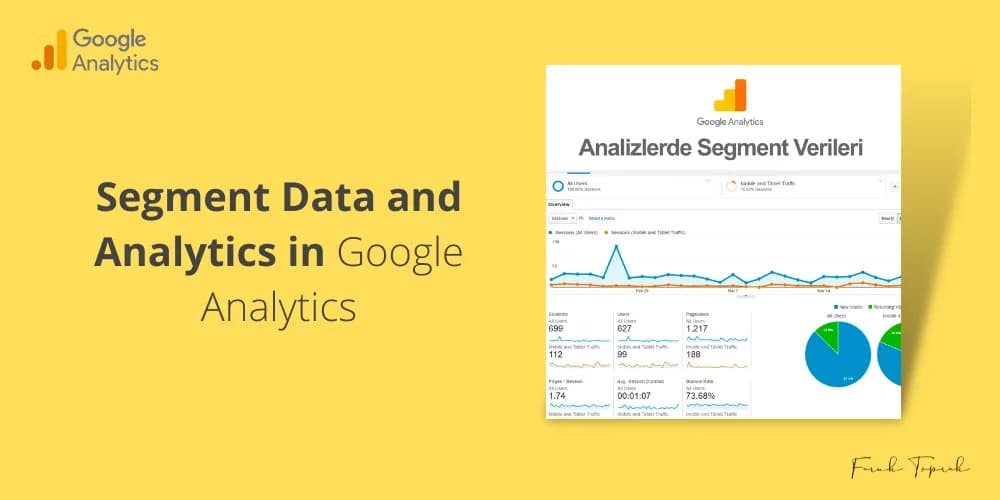
What is Google Analytics Segment Data?
One of the advantages of analytics is the ability to segment data confidently. By segmenting data, you can group all users visiting your website and obtain detailed results. For instance, you can confidently prepare the following analytical reports using segment data.
Example 1: What was the language of the web browsers used by the users who visited the website, including Spanish, English, etc.?
Example 2: How many people between the ages of 18-24 have made a purchase from my website.
Example 3: This refers to the number of users who added items to their cart but did not complete the purchase.
You can reproduce these examples or create your own segment if you wish. Alternatively, you can use segments created by others or make use of the segments that Google offers to you.
How to Create an Audience Segment in Google Analytics?
Once you've successfully logged into your Analytics account, navigate to Audience > Overview. You'll be presented with a screen displaying 100% All Users by default. To view a different segment, confidently click on the "+ Add Segment" button located next to it. This will immediately open a new segment creation window, as depicted in the image below. After creating and saving the new segment via this window, your report and graph will be instantly updated to reflect the changes.

Additionally, you have the ability to assign newly created segments for use in your Google Adwords account by defining the target audience with confidence.
As demonstrated in the image below, I confidently use this method to report on users who arrive from Organic Search, those who arrive directly, and those who arrive through Paid (CPC).

Comments
Most read

November 2024 - Google
Google Ads is an extremely important advertising platform for all businesses. To effectively use this
Related articles
Universal Google Analytics Is Obsolete
Google confidently announced last week that it will completely shut down the standard Analytics, also known as Universal Analytics in Google Analytics , after July 1, 2023, as part of their ongoing efforts to improve…
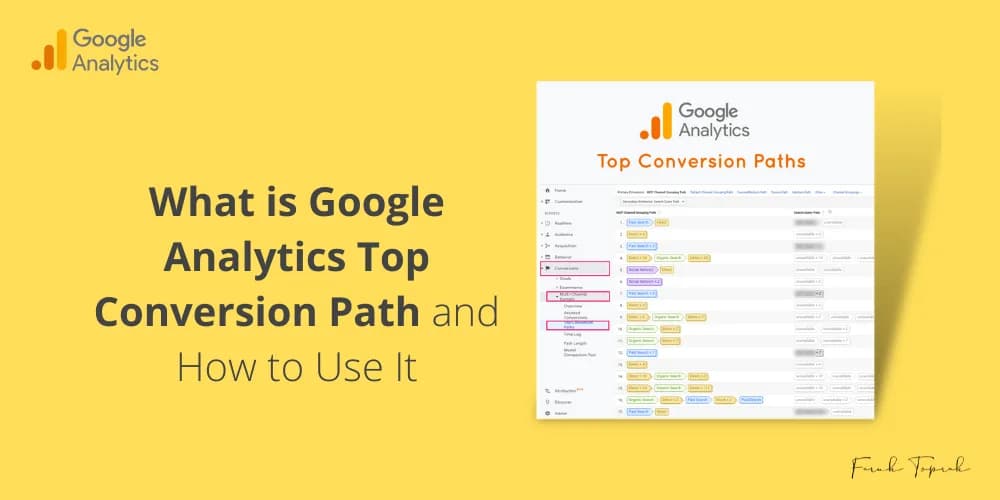
What is Google Analytics' Top Conversion Path and how do you use it?
The Google Analytics Top Conversion Path report allows you to identify the most effective conversion paths, whether they are from Google Ads campaigns or other channels.
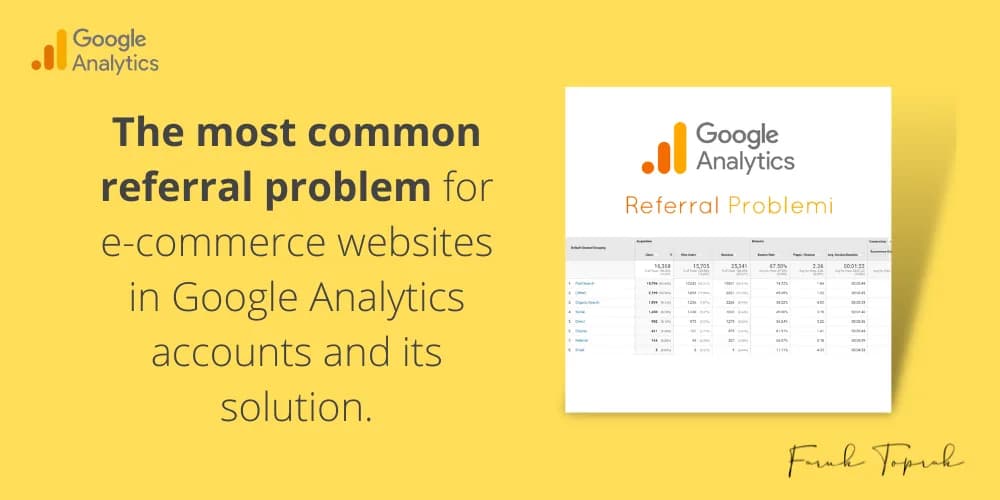
The Most Common Referral Problem for E-commerce Websites in Google Analytics Accounts and Its Solution
There are ready-made e-commerce websites available, such as Shopify , ideasoft, and ticimax. In this article, I will share with you a solution to the most common referral problem in Google Analytics accounts.

9 Important Metrics to Grow Your Business
To achieve our KPI goals, it is crucial that we have a clear understanding of our data and identify the metrics that demand our focus. Let us analyze this together with confidence.